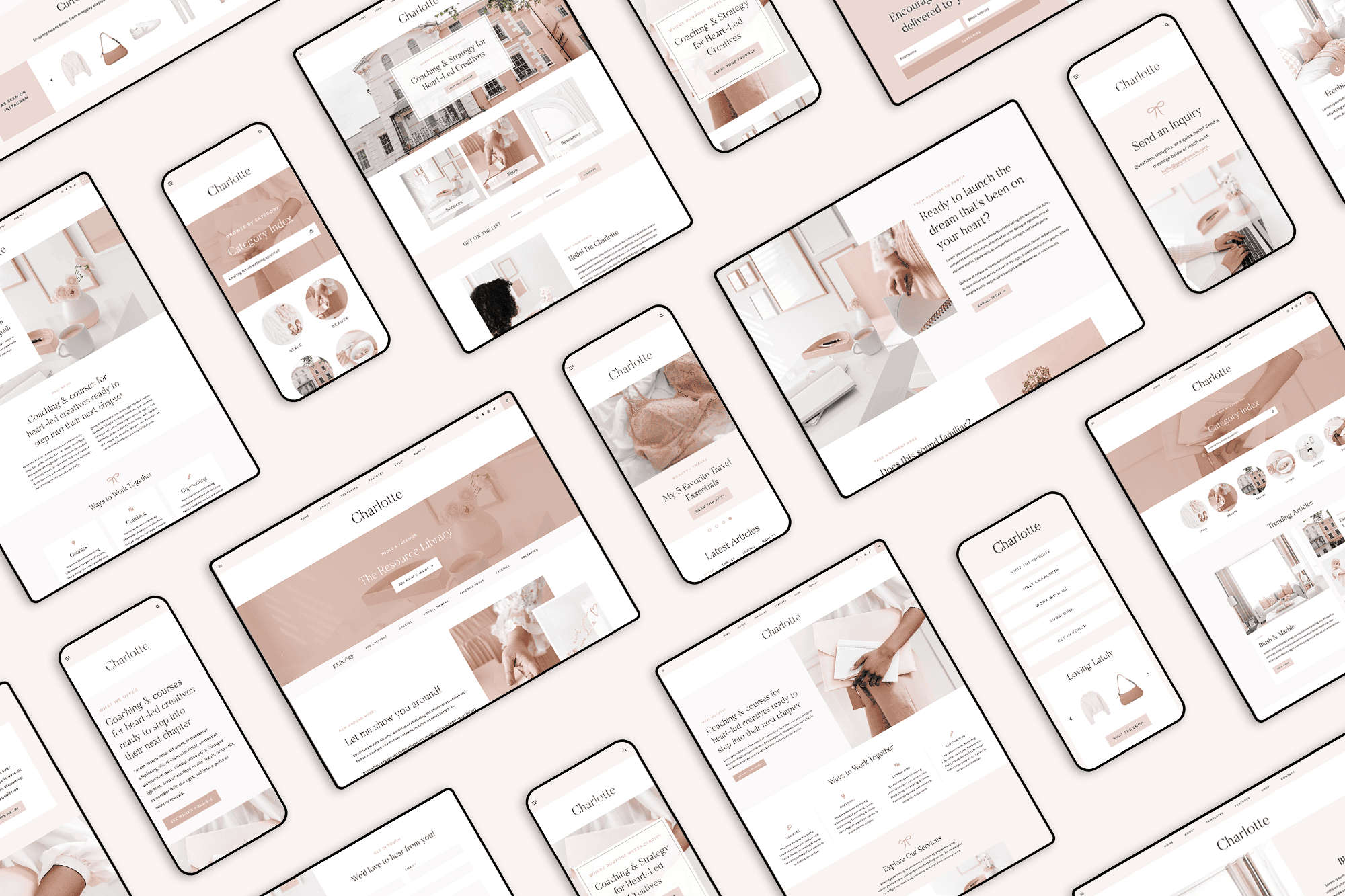
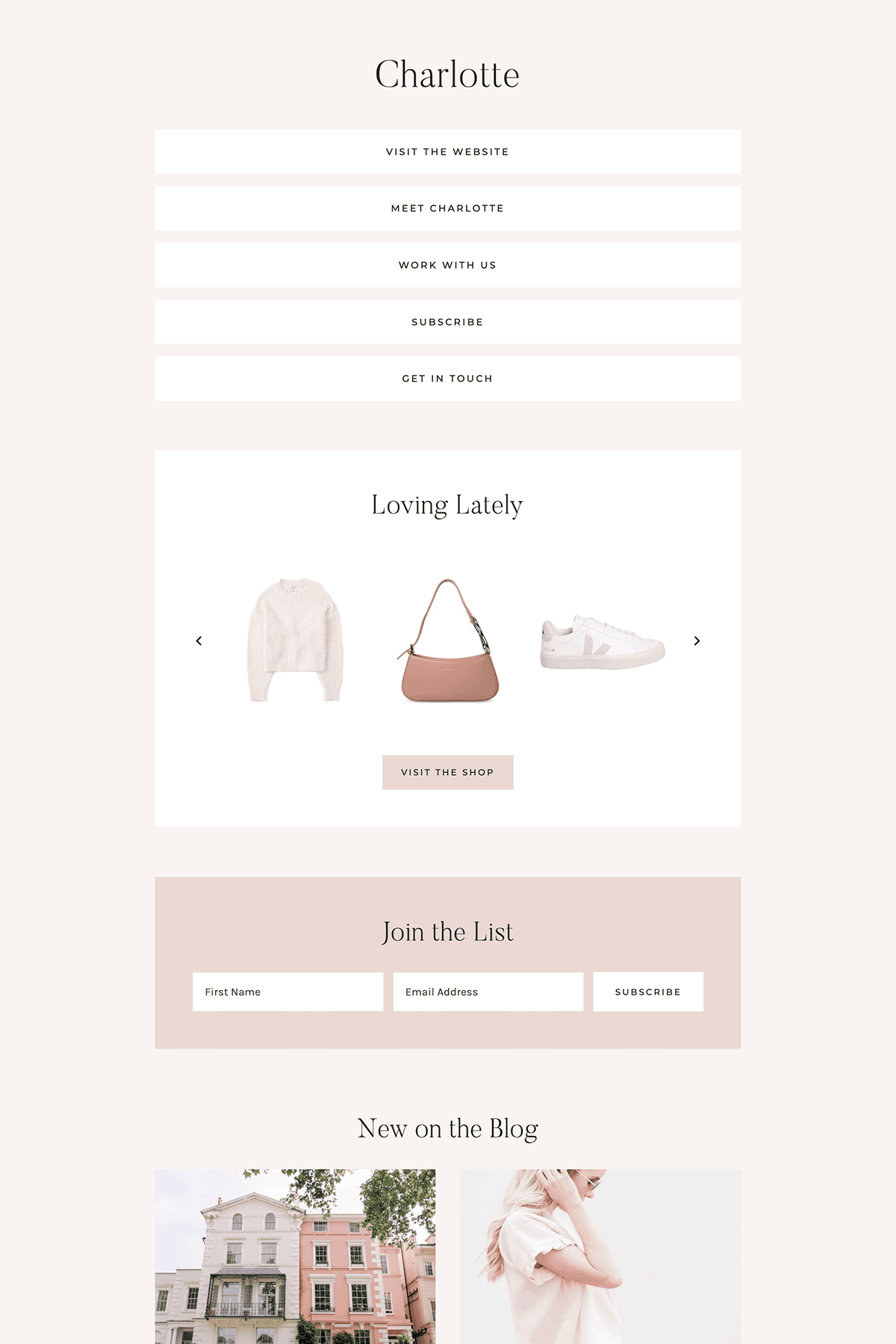
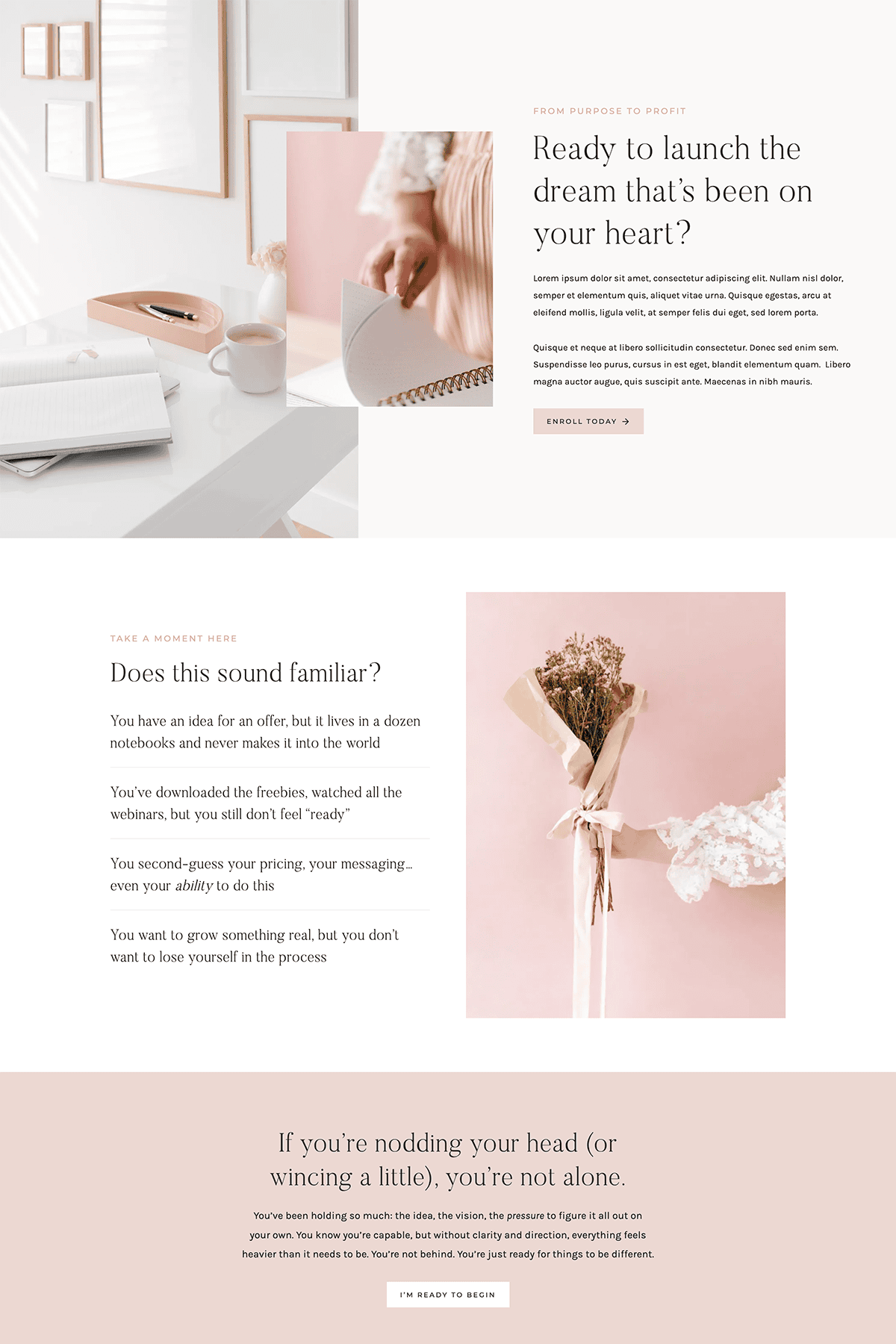
Charlotte Block Collection

Love your current Kadence child theme but dreaming of adding sections or pages from a different theme? Block Collections make it easy to mix and match blocks, sections, and full page layouts — all while keeping the theme you already use! With just a few clicks, you can expand your design options, refresh your site, and build new pages without switching themes or starting from scratch.

$129.00

What’s Included

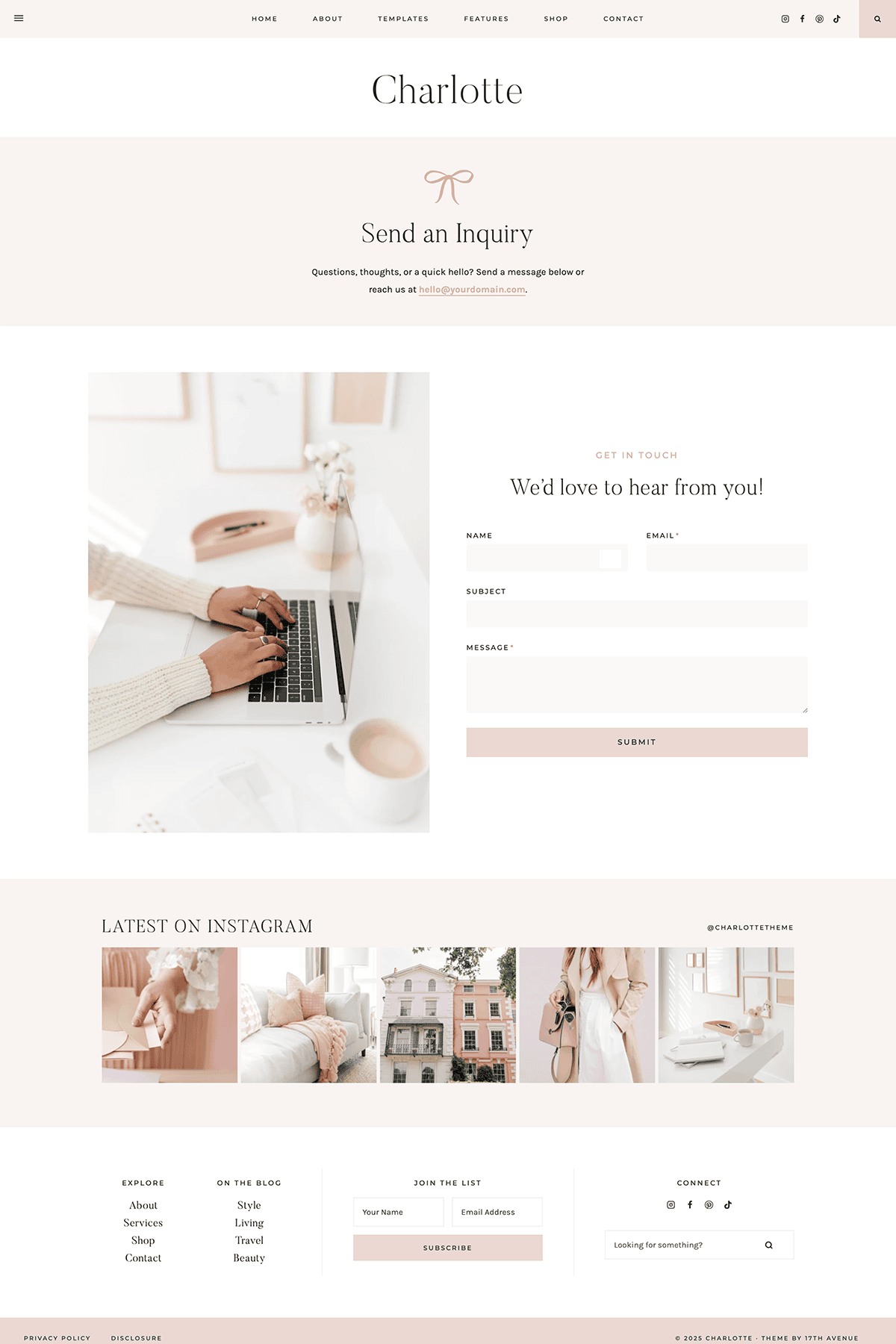
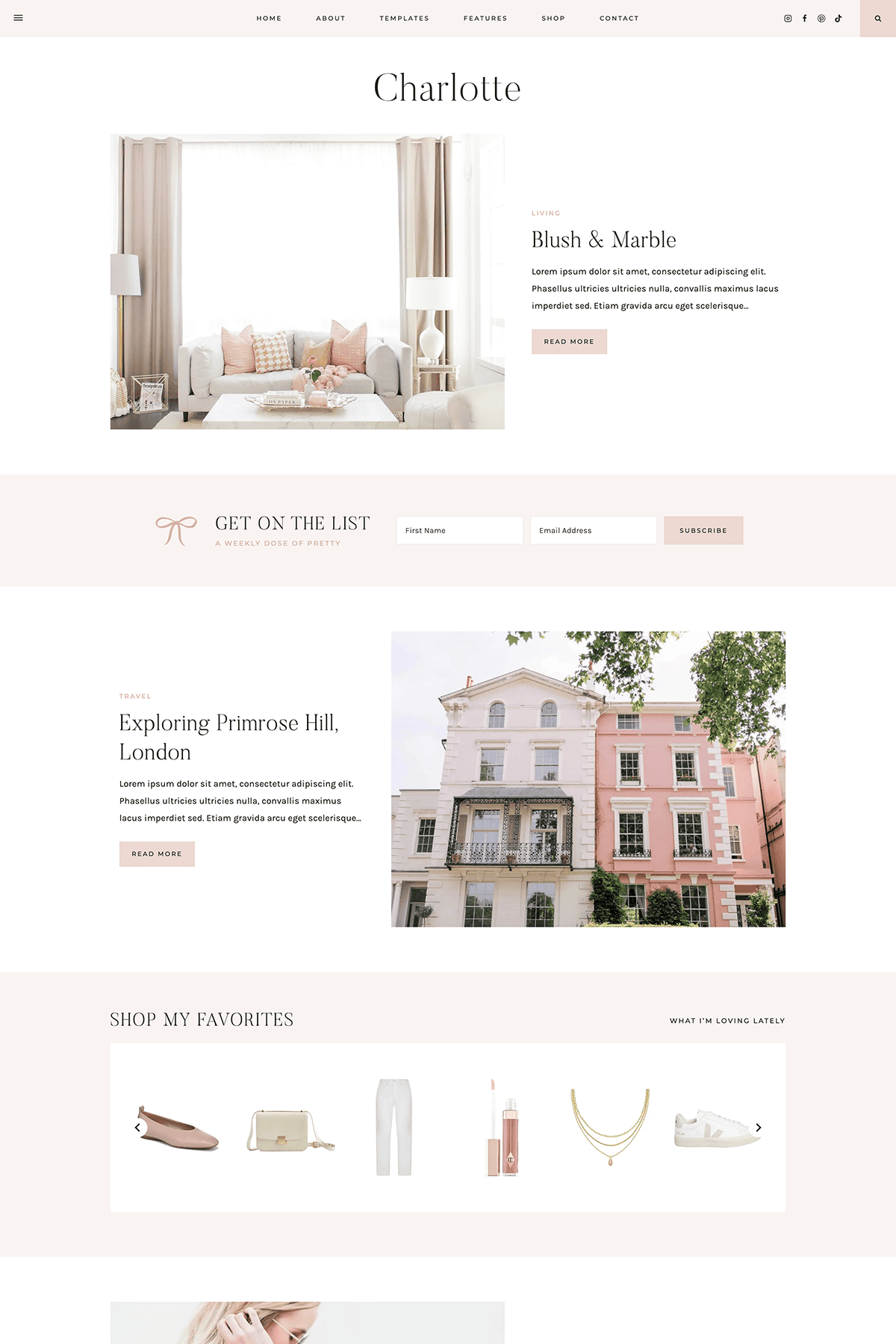
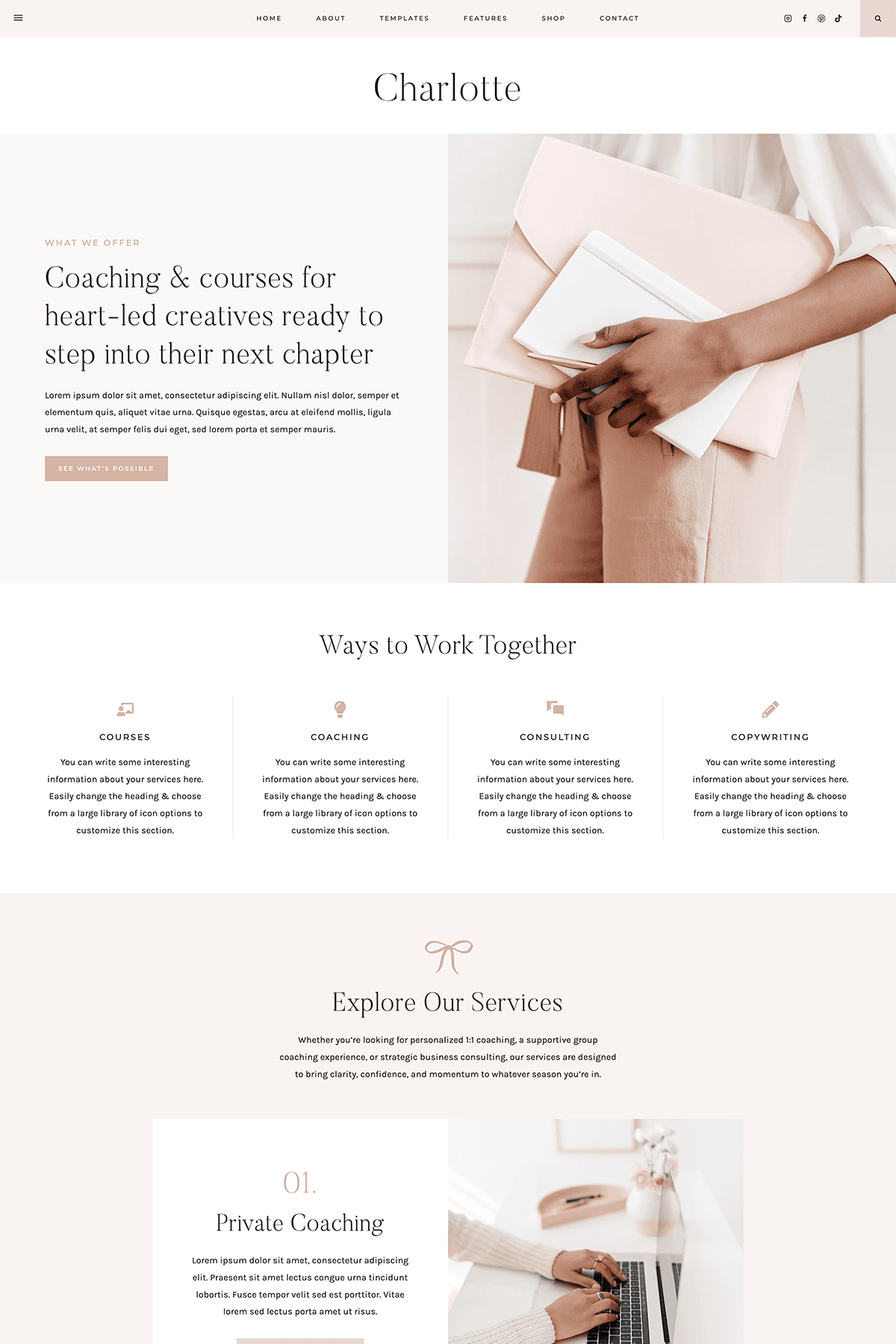
  • 16 full page layouts
  • 136 individual sections and blocks
  • License key for use on one website
  • Lifetime access and support
  • Step-by-step instructions for using your Block Collection
  • Demo images are included + licensed for use on your website

Not Included

  • Colors and fonts: blocks will inherit the fonts and colors from your existing theme automatically!
  • Header/footer design
  • Please note the post slider blocks are NOT included — these require the Charlotte theme

Requirements

You’ll need to be running a Kadence child theme and the free Kadence Blocks plugin in order to use this Block Collection.

how it works

01.

Choose and purchase the Block Collection you’d like to add to your website.

02.

Download the step-by-step installation guide and follow along to get started.

03.

Activate your license key in the Kadence Design Library to access your Block Collection.

04.

Insert your new blocks anywhere you’d like and fill in your content. Easy as that! ✨

Common Questions

You’ll just need two things:

  1. Any Kadence child theme active.
  2. The Kadence Blocks plugin installed on your website.

Yes! Each of our Kadence themes includes its own Block Collection at no additional cost. For example: if the Harper Theme is active on your site, you automatically have access to the Harper Block Collection.

Standalone Block Collections (like this one) are available if you’d like to use blocks from a different theme while continuing to run your current Kadence child theme. If you purchase both a theme and a standalone Block Collection, you’ll have access to both block collections on your site and can mix and match layouts as you like!

For example: Let’s say that the Harper Theme is active on your site, but you want to use the blocks from the Charlotte Theme too. You would purchase the Charlotte Block Collection and add it to your site. Since Harper is the active theme, you’d have access to the Harper Block Collection AND the Charlotte Block Collection.

Not at all. Block Collections are SUPER easy to install and work alongside your existing theme, letting you insert individual blocks, sections, or full page layouts into any page you’d like. It’s a simple way to add new blocks + layouts without switching themes!

Yes! Fonts and colors in the Block Collection will update automatically to match your existing styling when you insert any block or layout. The magic of Kadence!

Please note that any fonts (including custom fonts) shown in a theme demo are not included with the Block Collection. When you insert a block, it will use whatever fonts you’ve set globally in the Customizer.

No. The header and footer in each theme are not block-based (they are controlled inside the Theme Customizer), so those areas are not available in the Block Collection.

Absolutely! You can install as many Block Collections as you’d like.

We’re happy to help with activating your license, accessing your blocks, and troubleshooting any issues with the Block Collection. Support does not include customizations or assistance with styling or building specific layouts.

Copyright © 2026 · 17TH AVENUE · TERMS & CONDITIONS · PRIVACY